Span Setting and Controls
Posted: Wed Jun 03, 2020 9:24 pm
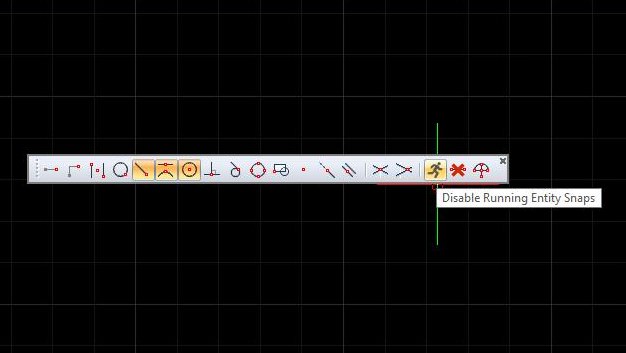
I seem to have lost control of snap settings. I am a casual user, just use the software to support working hobby. While working on a simple drawing I can no long seem to use snap to any points, ie end points and midpoints etc. I have tried reading the manual but those instructions do not seem to correct the situations. This is very frustrating when trying to dimension my drawing, can anyone provide a solution for my issue.
Bought this software based on "Free Help" this is the third question I have asked and I have not found any replies to either of my other questions.
Bought this software based on "Free Help" this is the third question I have asked and I have not found any replies to either of my other questions.