Moderator: CMS Inc
 AEC Wall Area - Incorrect
You draw 8" base height and not 8' I mean?QuanNguyen wrote: ↑Mon Feb 13, 2023 6:35 pmHi,
What version of IntelliCAD do you use now?
Here's the result on the 11.1 version.
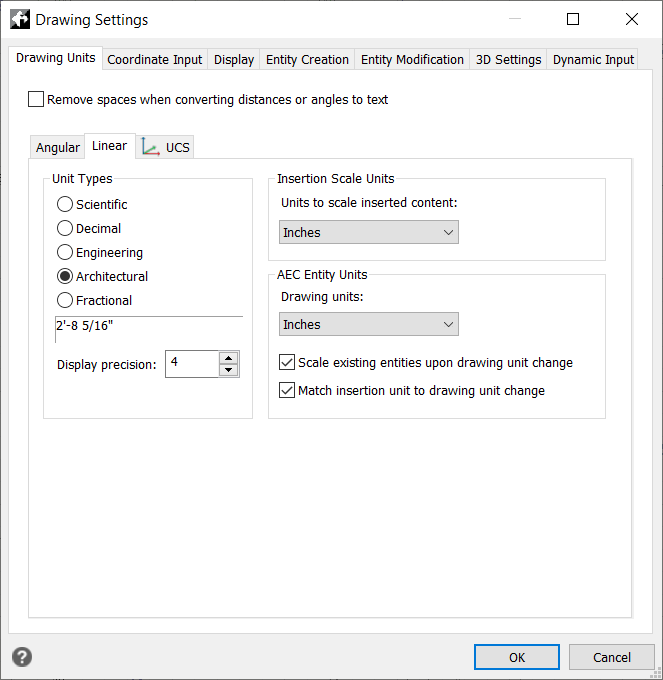
drawing units.png
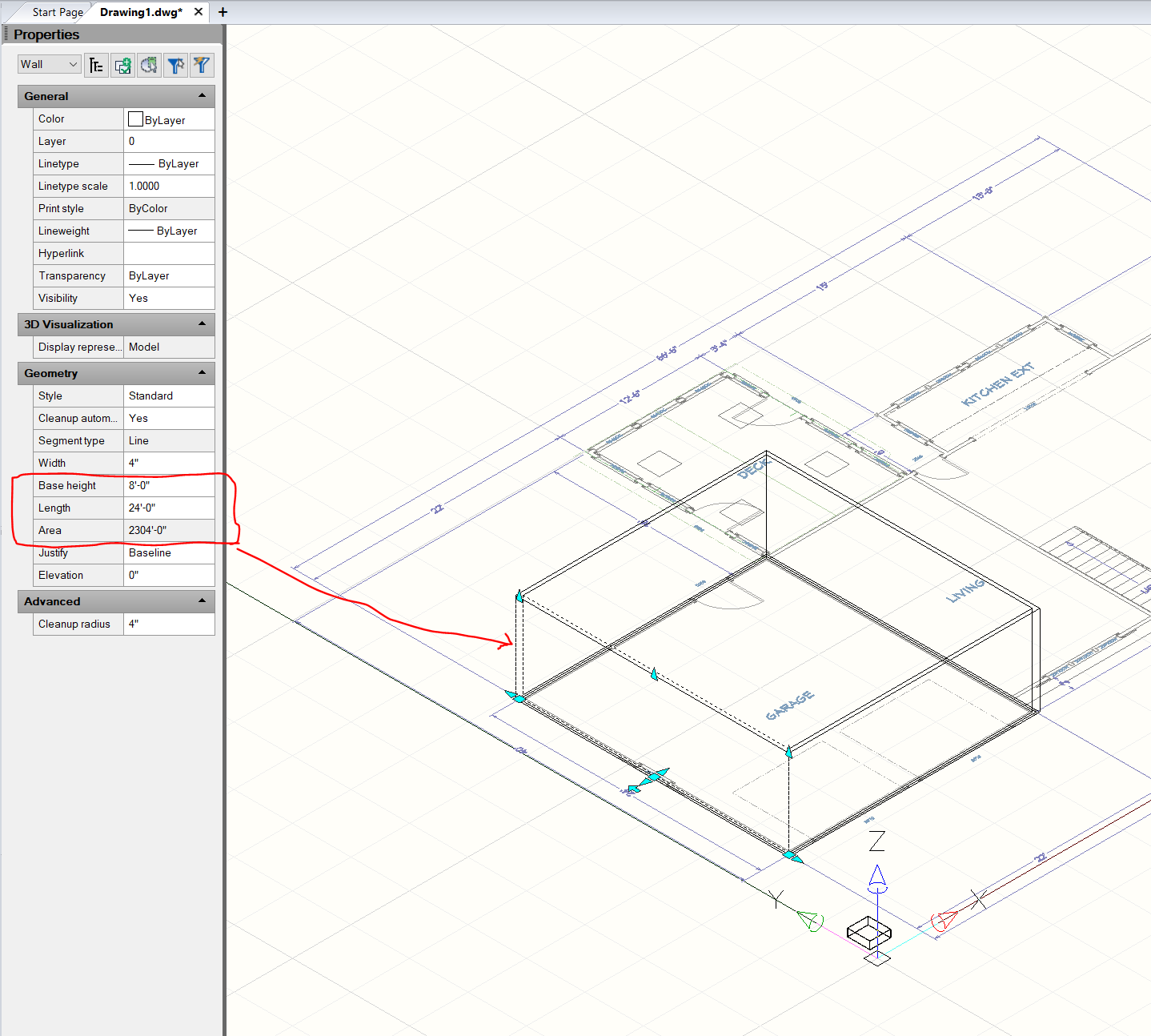
What is the nature of your wall, please? 3D Solid or AEC ? Your wall isn't created in IntelliCAD : Standard??? AEC Walls are exterior or interior!buck_taylor wrote: ↑Mon Feb 13, 2023 8:34 amwhen I select a wall, the dimensions of the wall show correctly, however the conversion to square feet for area is incorrect. In the example image I show an 8 feet wall by 24 feet long. That should equal 192 square feet -
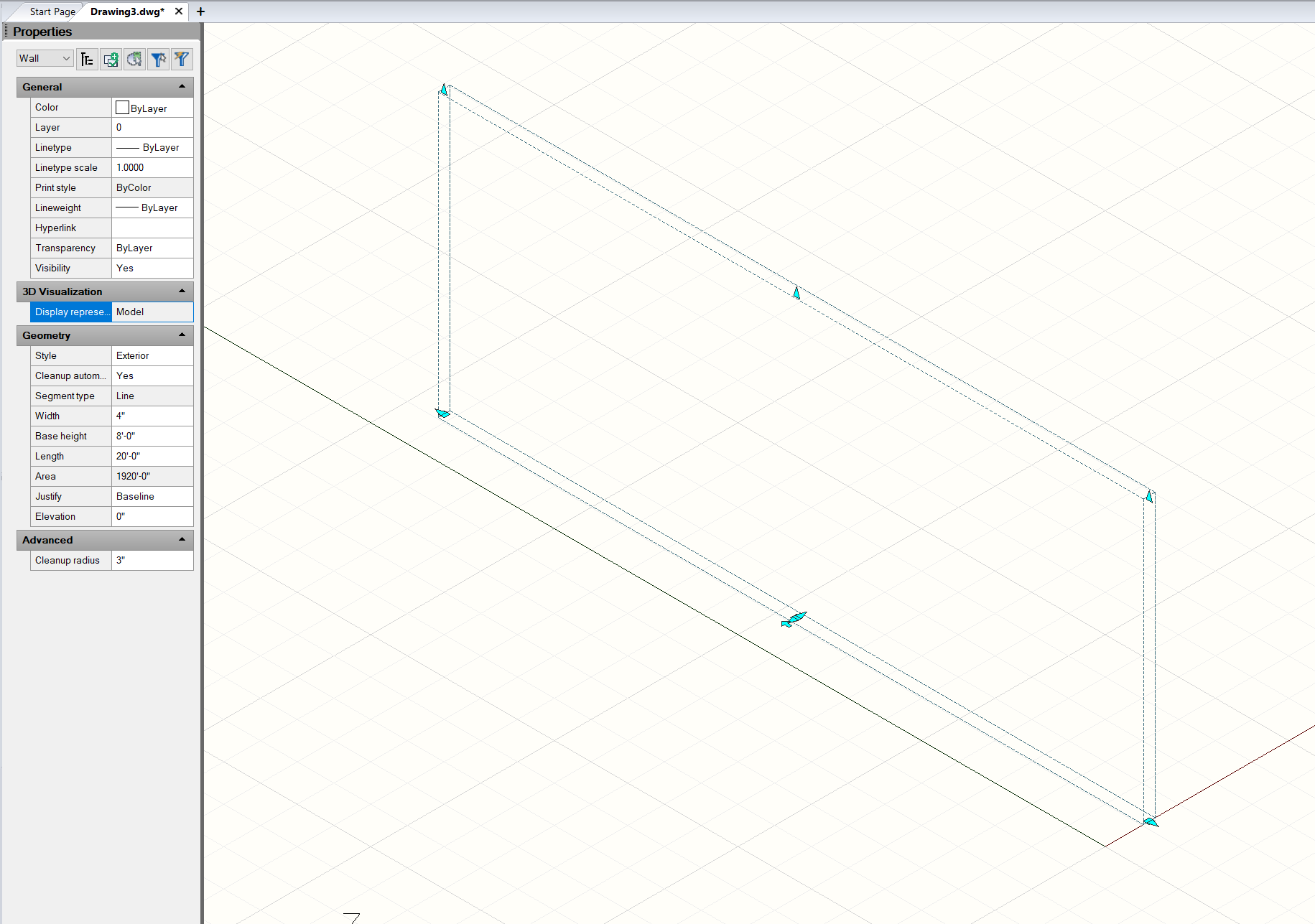
Results: 8' (ft) x 20' (ft) wall is 1920' (ft)
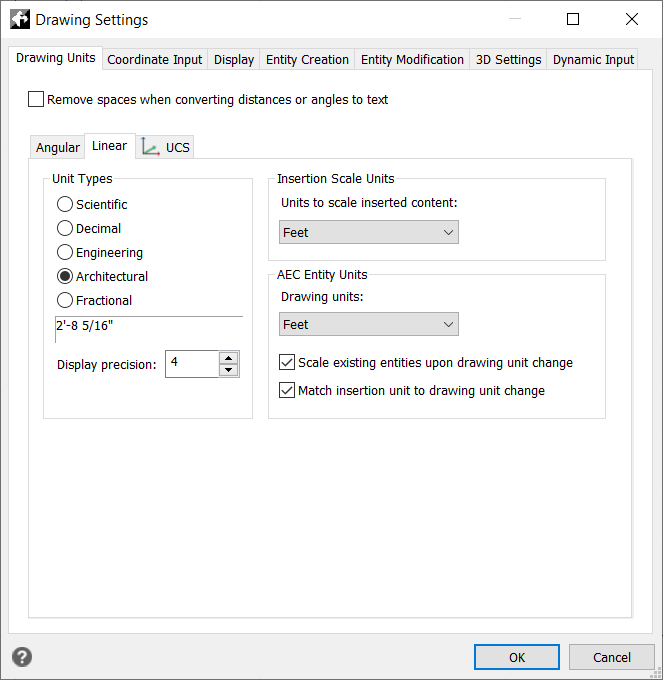
If I change to DECIMAL units:
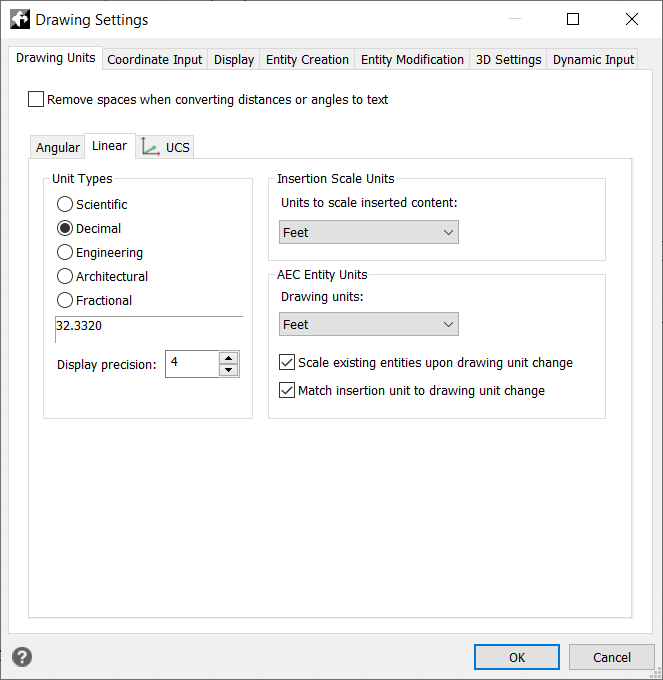
The application displays INCHES even though it is set to FEET. The area in square inches is correct (for inches), but not for feet
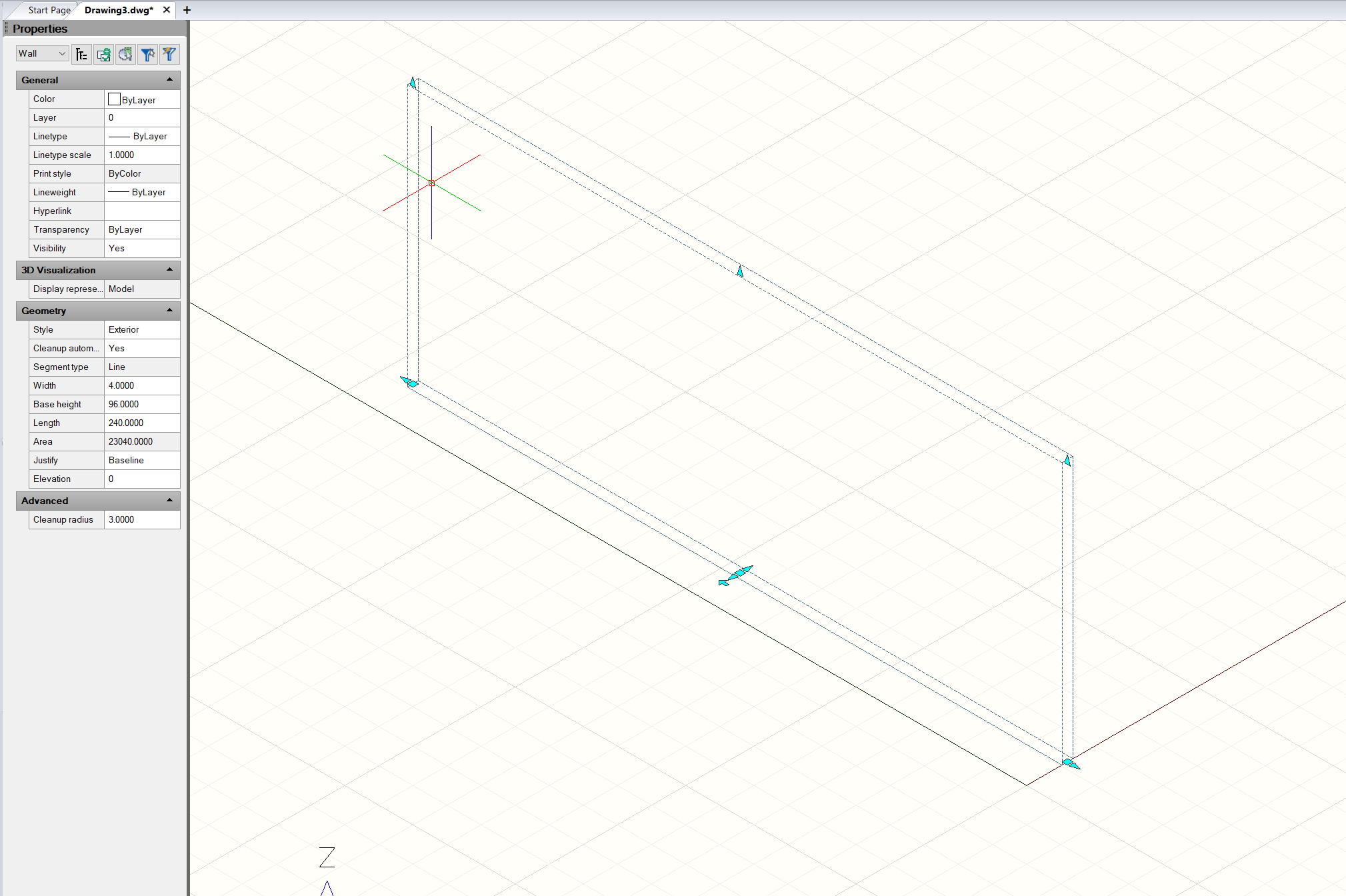
I have tried reinstalling the application. If I create a new drawing using the guide and select METRIC, I don't get metric screens or units - they are still IP. There are a bunch of issues with this app, that are really frustrating....
